How to Clean a Laptop Screen and Remove Smudges Fast
In today’s digital age, our laptops have become an extension of ourselves. We use them for work, entertainment, and staying connected with the world. But have you ever stopped to think about how dirty your laptop screen might be? Let’s dive into the world of laptop screen cleaning and discover why it’s crucial for both your device’s longevity and your health.
The Dirty Truth About Your Laptop Screen
Did you know that your laptop screen could be harbouring more germs than a toilet seat? It’s a startling fact, but studies have shown that our electronic devices, including laptops, can be breeding grounds for bacteria[7]. In fact, research has revealed that mobile phones and computer keyboards can have contamination levels as high as 83.3% and 43.3%, respectively[9].
Why Regular Cleaning is Essential
Cleaning your laptop screen isn’t just about aesthetics. Dust and grime can actually affect your device’s performance. As tiny particles settle on the screen’s surface, they create a hazy layer that gradually blurs the clarity and sharpness of the display[5]. This build-up can also interfere with touch sensitivity, making your interactions with the device less smooth and responsive.
Moreover, regular cleaning is crucial for maintaining hygiene and preventing the spread of germs and viruses[7]. With the increased focus on health and sanitation in recent years, keeping your laptop clean has never been more important.
The Do’s and Don’ts of Laptop Screen Cleaning
Before you start cleaning, it’s essential to know the right techniques to avoid damaging your device. Here are some key points to remember:
- Always unplug and let it cool completely before cleaning to avoid burns or electrical damage.
- Avoid soaking the unit or using excess water, as moisture can damage internal components.
- Use non-abrasive tools like soft cloths, sponges, or brushes to protect surfaces.
- Check the manufacturer’s instructions for parts that are dishwasher-safe or require hand washing.
- Clean regularly to prevent grease buildup, which is harder to remove over time.
The Best Cleaning Methods
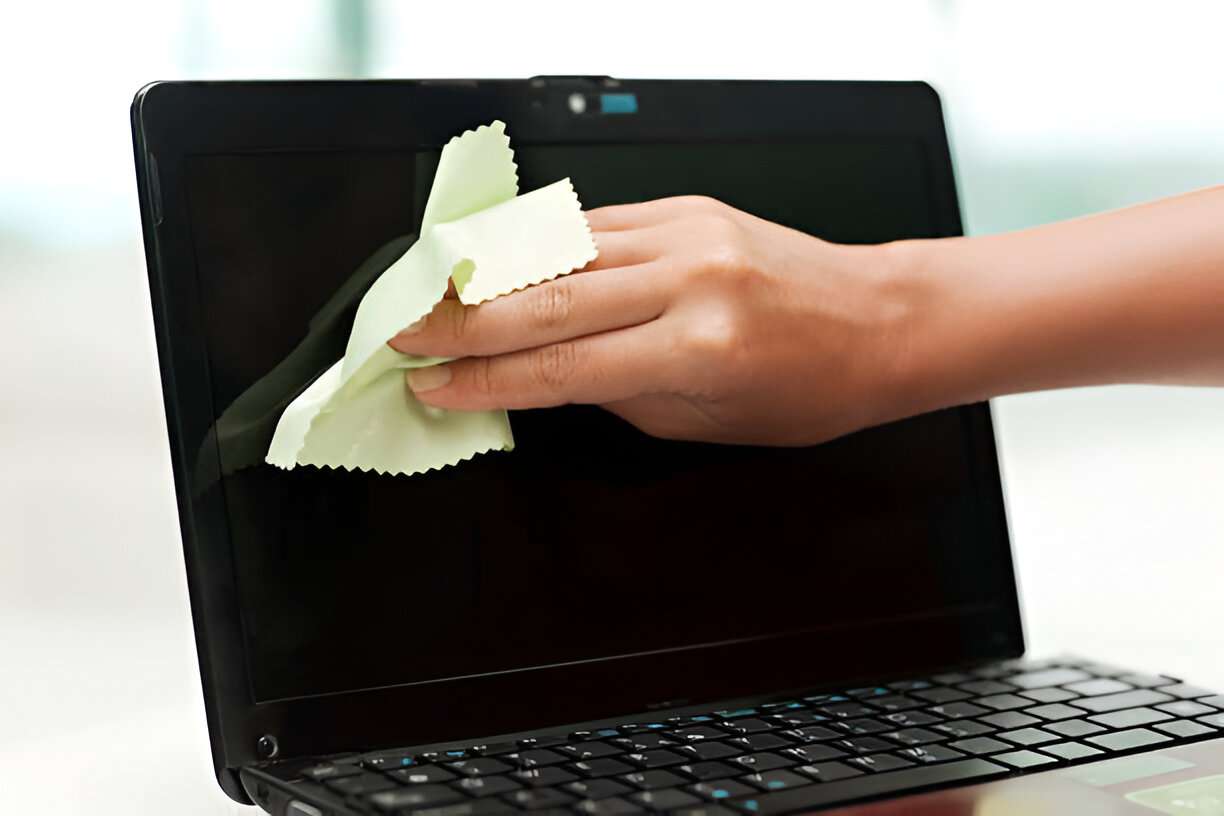
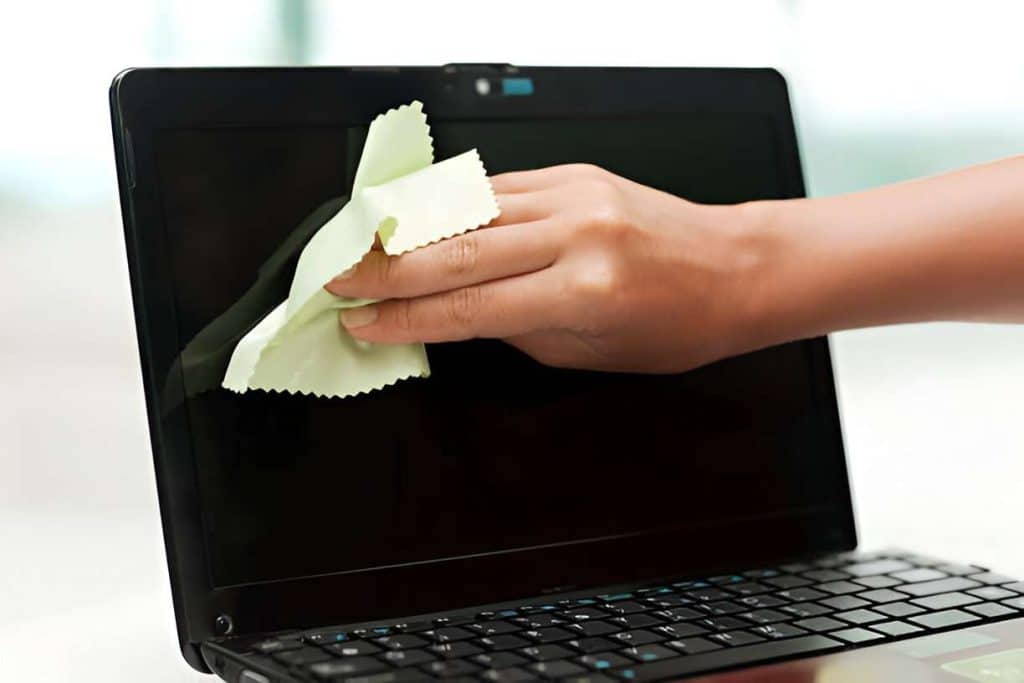
The safest and most effective way to clean your laptop screen is by using a soft, lint-free microfiber cloth[3]. These cloths are designed with tiny fibers that can effectively trap dust and dirt without scratching the screen[6].
- Always turn off and unplug your laptop before cleaning[4].
- Use a soft, lint-free microfiber cloth for cleaning[3].
- Avoid using household cleaning products, as they can damage the screen’s protective coatings[2].
- Never spray liquids directly onto the screen[2].
For stubborn marks, slightly dampen the cloth with distilled water[3].For tougher stains, you can slightly dampen the cloth with distilled water. Some experts also suggest using a mixture of 50% distilled water and 50% white vinegar for more stubborn marks[3]. However, be cautious with this method, as some manufacturers advise against using any liquids on their screens.
What About Disinfecting?
In light of recent health concerns, many people are looking to disinfect their devices. While it’s important to keep your laptop clean, be cautious about using disinfectants on your screen.
Some manufacturers, like Apple, state that 70% isopropyl alcohol wipes can be used gently on their products[2]. However, always check your laptop’s user manual or manufacturer’s website for specific cleaning instructions.
The Importance of Regular Maintenance
Cleaning your laptop screen shouldn’t be a one-time event. Experts recommend cleaning your screen once every one to two weeks for optimal clarity[3]. In shared workspaces, consider wiping the screen before each use to minimize the spread of germs.
Beyond the Screen: Cleaning Your Entire Laptop
While the screen is a crucial part of your laptop, don’t forget about the rest of the device. The keyboard, in particular, can harbour a significant amount of bacteria. Studies have isolated various types of bacteria from computer keyboards, including Staphylococcus epidermidis, Staphylococcus aureus, and Klebsiella species[9].
To clean your keyboard, turn your laptop off and gently shake it upside down to remove loose debris. Use a can of compressed air to blow out any stubborn particles between the keys. For a more thorough clean, you can use a cotton swab slightly dampened with isopropyl alcohol to clean between and around the keys[2].
Conclusion
Keeping your laptop screen clean is more than just a matter of appearance. It’s about maintaining the performance of your device and protecting your health. By following these simple cleaning tips and making screen cleaning a regular part of your device maintenance routine, you can ensure that your laptop remains a clean, clear, and efficient tool for work and play.
Remember, a clean screen is a happy screen – and a happier, healthier you!
Ready for a Sparkling Clean—Laptop & Beyond?
You now know how essential it is to keep your laptop screen crystal clear and germ-free, but why stop there? If you’d like to experience this level of spotless care for your entire home or workplace, Cleaning Team is here to help. Whether it’s house cleaning, apartment tidying, office cleaning, after builders cleanup, carpet care, sofa treatments, or a deep clean—we’ve got you covered!
Our fully insured and trusted cleaners use high-quality products and equipment to leave every space sparkling clean. We serve all of Dublin, Kildare, Meath, and parts of Wicklow and Louth, making cleanliness easy and stress-free.
Take the hassle out of cleaning and let us transform your space while you enjoy a clearer laptop—and a clearer mind. Book online in just minutes with same-day confirmation available. 🚀
Ready for a sparkling clean home or office? Book with Cleaning Team today and experience true peace of mind! Our professional cleaners are dedicated to delivering top-notch results tailored to your specific needs. For those interested in expanding their knowledge, we provide a comprehensive commercial cleaning services overview that details the range of solutions we offer. Let us help you maintain a pristine environment, so you can focus on what matters most!
References: https://pmc.ncbi.nlm.nih.gov/articles/PMC8062198/
[6] https://www.kleervu.com/are-microfiber-cleaning-cloths-effective-in-keeping-your-glass-surfaces-clean/ [8] https://www.lenovo.com/ph/en/glossary/how-to-clean-monitor-screen/ [9] https://pmc.ncbi.nlm.nih.gov/articles/PMC8062198/ [10] https://www.lenovo.com/ph/en/glossary/how-to-clean-laptop-screen/ [11] https://www.computer.cleaning/how/importance-cleaning-computer/ [12] https://www.aratek.co/news/how-to-clean-fingerprint-sensor-a-comprehensive-guide [13] https://www.reddit.com/r/GamingLaptops/comments/xxr041/how_to_clean_the_laptop_screen_without_damage_it/ [15] https://www.reddit.com/r/sysadmin/comments/fgegrc/safest_way_to_sanitize_a_laptop/ [17] https://journalppw.com/index.php/jpsp/article/download/11947/7753/14212 [18] https://www.consumerreports.org/electronics-computers/laptops-chromebooks/how-to-clean-a-laptop-screen-a7468052470/ [19] https://edu.gcfglobal.org/en/computerbasics/keeping-your-computer-clean/1/ [20] https://www.autolaundry.com/blog/how-to-remove-dust-from-a-car-screen-the-right-way-to-keep-your-display-clean [21] https://www.ign.com/articles/how-to-clean-a-laptop-screen